When a Fisher & Paykel induction cooktop seems unresponsive, check whether the controls are locked, whether the screen has moisture or oil on it, whether zones are still hot or running a delayed turn-off, and whether Demo Mode is on. If the display is dark or nothing powers up, check the plug or wall switch and the circuit breaker before booking service.
A Fisher & Paykel fault is most useful when it is tied to the right appliance family and exact model. This guide explains what to record, which owner-safe checks may be appropriate, and when the problem should move to professional diagnosis.
A non-responsive induction cooktop should be triaged from external conditions first: exact model, power state, control-lock status, cookware/zone behavior and any displayed alert. Internal power-electronics diagnosis belongs to professional service.
Fisher & Paykel has used multiple generations of DishDrawer, ActiveSmart refrigeration, laundry and cooking platforms. Similar displays or code labels do not guarantee identical components or identical troubleshooting steps. Use the full model/product code whenever it can be read without disassembling the appliance.
The practical goal is not to turn the owner into a technician. It is to preserve the information that makes diagnosis faster and less speculative.
The guide for one modular induction family lists the causes of unresponsive controls with the display lit: the controls are locked, zones are still hot or a delayed turn-off is running, Demo Mode is on, or there is moisture or oil on the controls. To unlock, press and hold the screen. It also says to touch with the ball of your finger rather than the tip.
If the selected heat will not go up, the guide points to maximum power already being in use, or BOOST being unavailable with paired zones.
A photo of the display and model label is often more useful than a long guess about the failed part.
Use only the checks described for the exact model in Fisher & Paykel user/support documentation. Owner-safe actions normally stay at the level of accessible filters, visible supply conditions, control settings, door/drawer position, power state or other items the manufacturer explicitly exposes to the user.
Do not remove live electrical covers, open sealed refrigeration systems, bypass sensors or safety devices, force a locked oven door, perform gas-system work, or substitute a generic internet reset for a model-specific procedure.
| Symptom | What it can point to | What you can check |
|---|---|---|
| Display lit, touch does nothing | Controls locked, or moisture or oil on the glass | Press and hold the screen to unlock and wipe the controls dry |
| Display goes black while cooking | Controls overheated by cookware at the front | Move cookware to rear zones and let it cool |
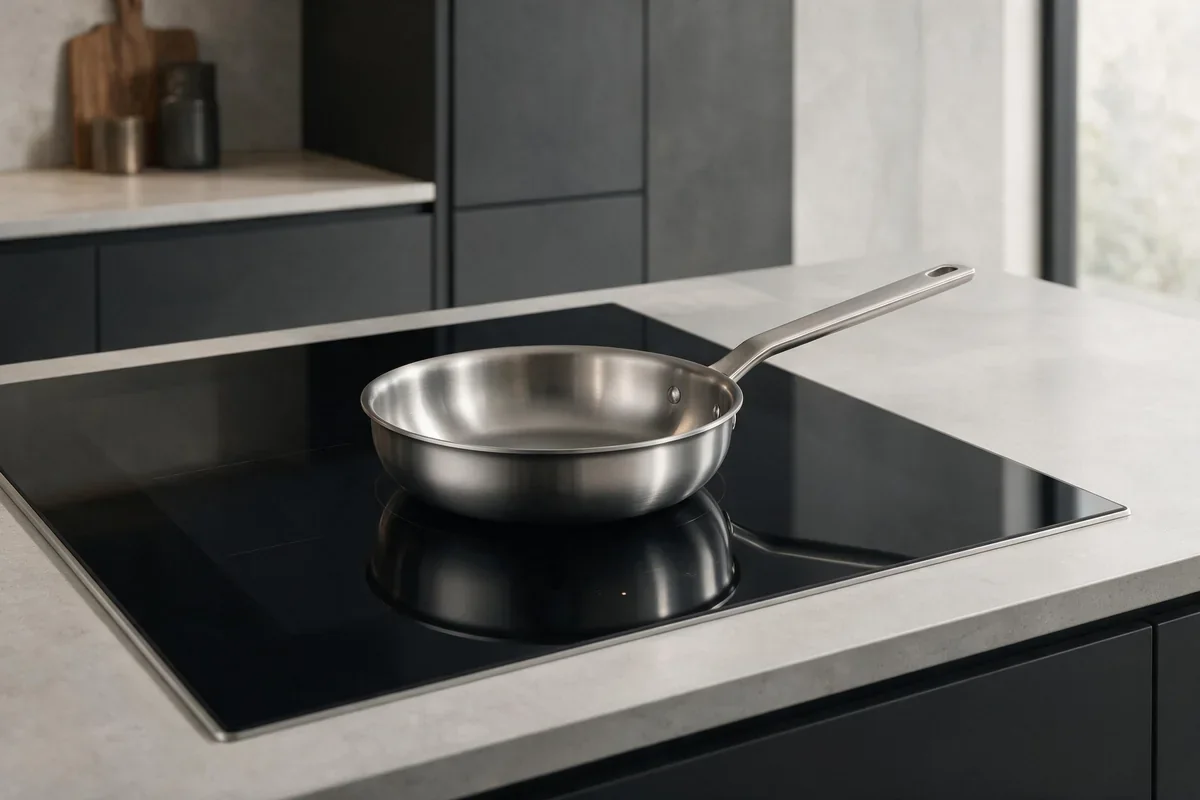
| Pan does not heat | Cookware too small, off center or not induction compatible | Center a magnetic-base pan on the zone |
| Heat level cannot be raised | Maximum power already in use, or BOOST with paired zones | Lower another zone and try again |
| Nothing lights at all | Loss of power to the cooktop | Check the plug or wall switch and the breaker |
Request diagnosis when the fault returns after documented owner checks, when the appliance cannot complete its normal function, or when the issue involves internal electrical, heating, sealed-system, gas, pump/motor, control or safety-related diagnosis.
If there is smoke, sparking, a strong electrical smell, uncontrolled water leakage, abnormal overheating or another condition that may be unsafe, stop normal use and address the safety condition before routine troubleshooting.
An error code usually identifies a fault category or condition. It is not automatically proof that a specific sensor, board, valve, motor, compressor, heater or other component must be replaced. The repair decision should come after the actual appliance is checked in the correct model context.
A black display can mean the cooktop overheated its controls because cookware was along the front edge. The guide tells you to remove it or move it to the rear zones and let the controls cool; the cooktop turns itself off to protect the display.
A zone that will not heat can involve cookware: too small, off center, or not induction compatible, which means a magnetic base or core is needed. For no power at all the guide lists the plug or wall switch and the circuit breaker, then Customer Care. A safety timeout can also turn a zone off after a long time without a power-level change.
A concise request should include the appliance type, model code, exact symptom, displayed fault and service address. If the appliance still operates intermittently, describe what usually triggers the problem. If the issue appeared after installation, a move, plumbing work, a power interruption or a network change, include that detail without assuming it is the root cause.
Only when the manufacturer documentation explicitly covers both models. Otherwise treat procedures as model-specific.
Record the complete code or indicator state first whenever it is safe. Repeated resetting can erase useful context without fixing the underlying condition.
That is usually a poor first step. Similar symptoms can have different causes, and parts compatibility depends on the exact model/product code.
No. This is an appliance repair resource and service site.
The guide describes humming on high heat or BOOST, and crackling from layered cookware, as normal sounds. A fault is signaled by a code, not by those noises.
For the guide’s E codes, press and hold the power button to turn the cooktop off, wait a few seconds and turn it back on. If it persists, switch the power off and on at the wall once, then contact service with the code.
Stop using the cooktop and turn off the power at the wall. Cracked glass is a reason to stop, not to keep testing the controls.
Use the booking form with the exact appliance, model code if available, symptom, displayed code and service address. Service availability should be confirmed before an appointment is promised.
Secondary context: official legacy manuals and product resources.
Technician-community reports may inform diagnostic hypotheses but do not replace manufacturer code definitions or safety guidance.
A2 on a Fisher & Paykel oven means the door could not lock after a Self Clean started, and A3 means it could not…
An F plus a number on a Fisher & Paykel oven marks a technical fault. Let the oven cool and the fans finish, switch…
Low airflow from a Fisher & Paykel rangehood is worth checking from the filters outward: a grease-loaded filter, a saturated carbon filter on a…
Share a few details and we’ll confirm an appointment. Prefer to talk? Call us and we’ll help right away.
Fields marked with * are required.